
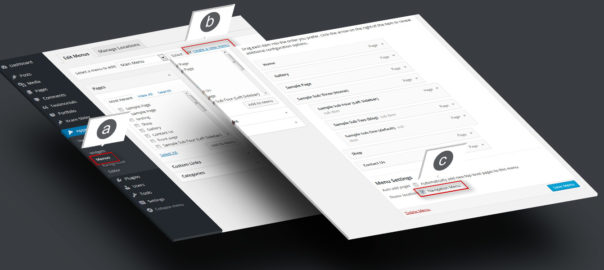
a. Go to "Appearance" > "Menus".
b. Create a new menu, add pages and links
c. Check "Navigation Menu" and save
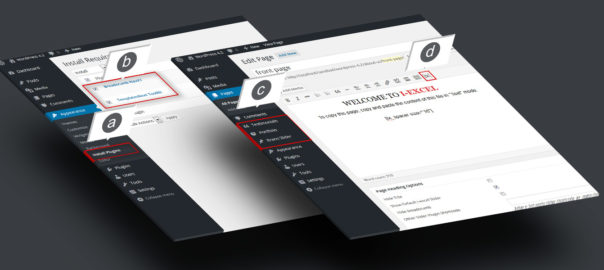
a. Go to "Appearance"
b. Check "Templatesnext Toolkit" and "Breadcrumb NavXT"
c. Install and activate
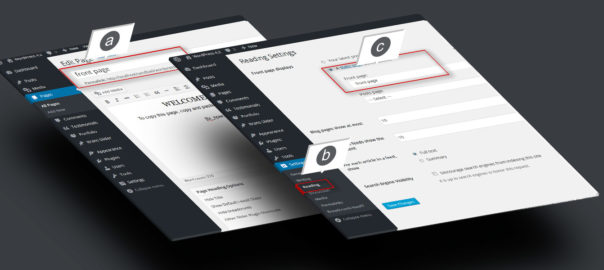
a. Create a page, say "Front Page" and save
b. Go to "Settings" > "Reading"
C. Set your newly created page as static front page.
d. Do same for blog if you have a blog page
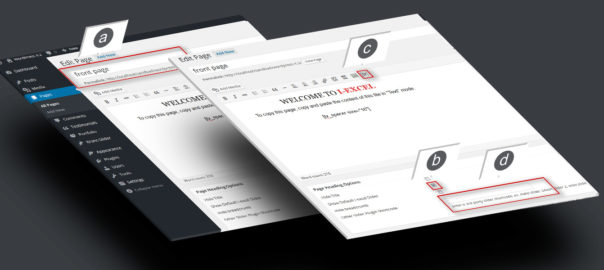
a. Open newly created "Front page" in editor.
b. Check "Show default i-excel slider" to show default slider.
c. Use [tx] to generate slider.
d. Add the shortcode in "Other slider plugin shortcode"
e. You can use any third party responsive slider shortcode here.
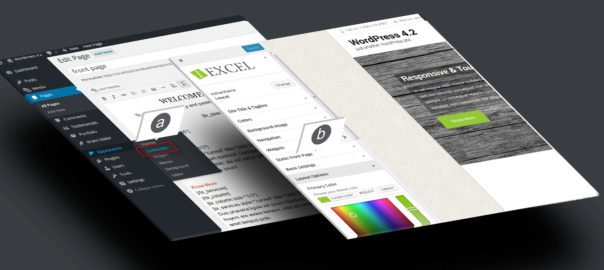
a. Go to "Appearance" > "Customize".
b. Setup your theme color, logo, layout etc.